 Verbiform
Record your first document
The whole point of Verbiform: you talk, and the details land in the right places. Here is the three-minute path from a recording to something you can review and use.
Choose what you’re capturing
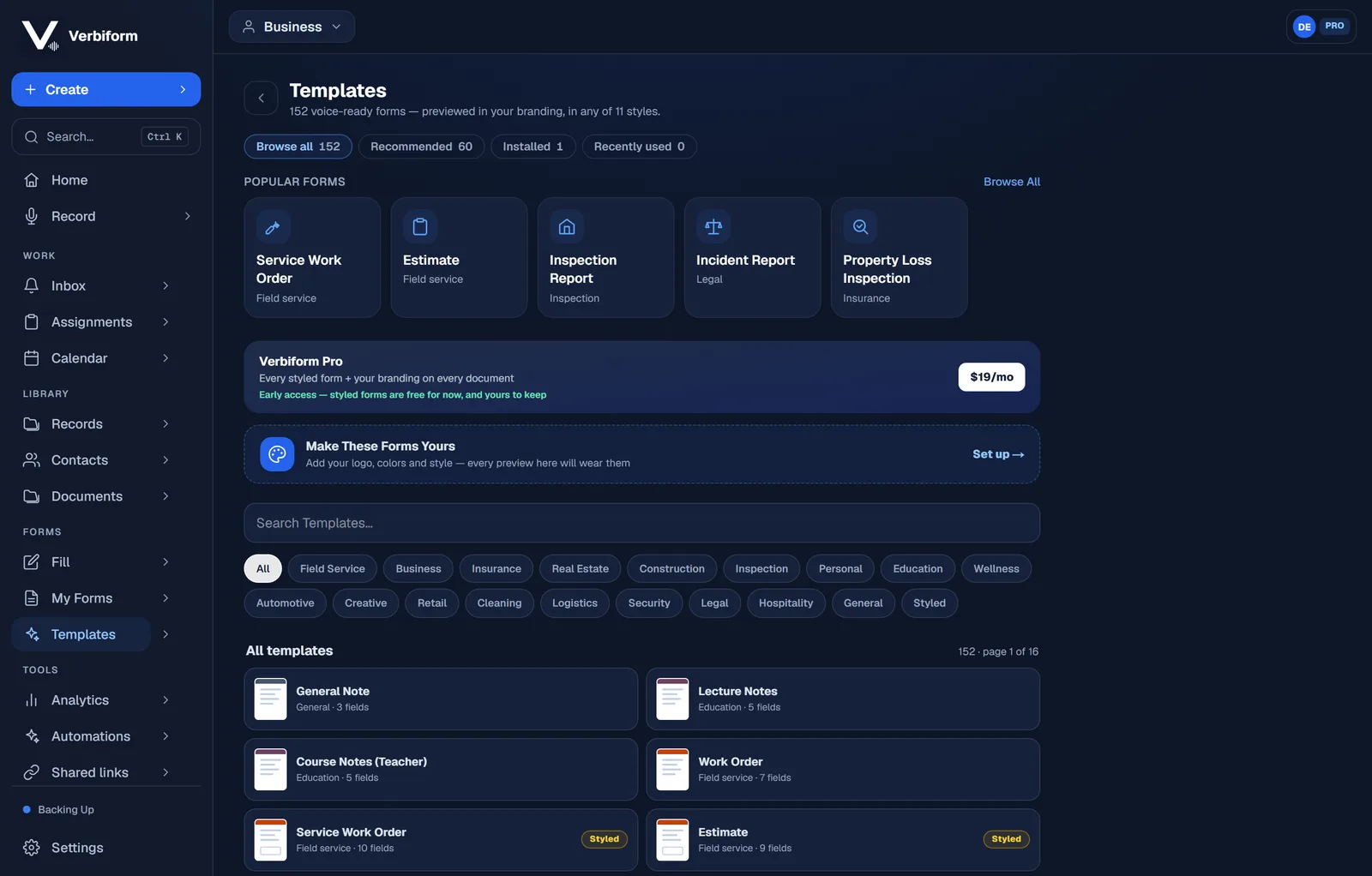
Open the app and pick a template — meeting minutes, a work order, lecture notes, a home inventory, whatever fits. The template decides which fields Verbiform will fill. Not sure yet? Start from a blank note and choose a format later.
Press record and talk it through
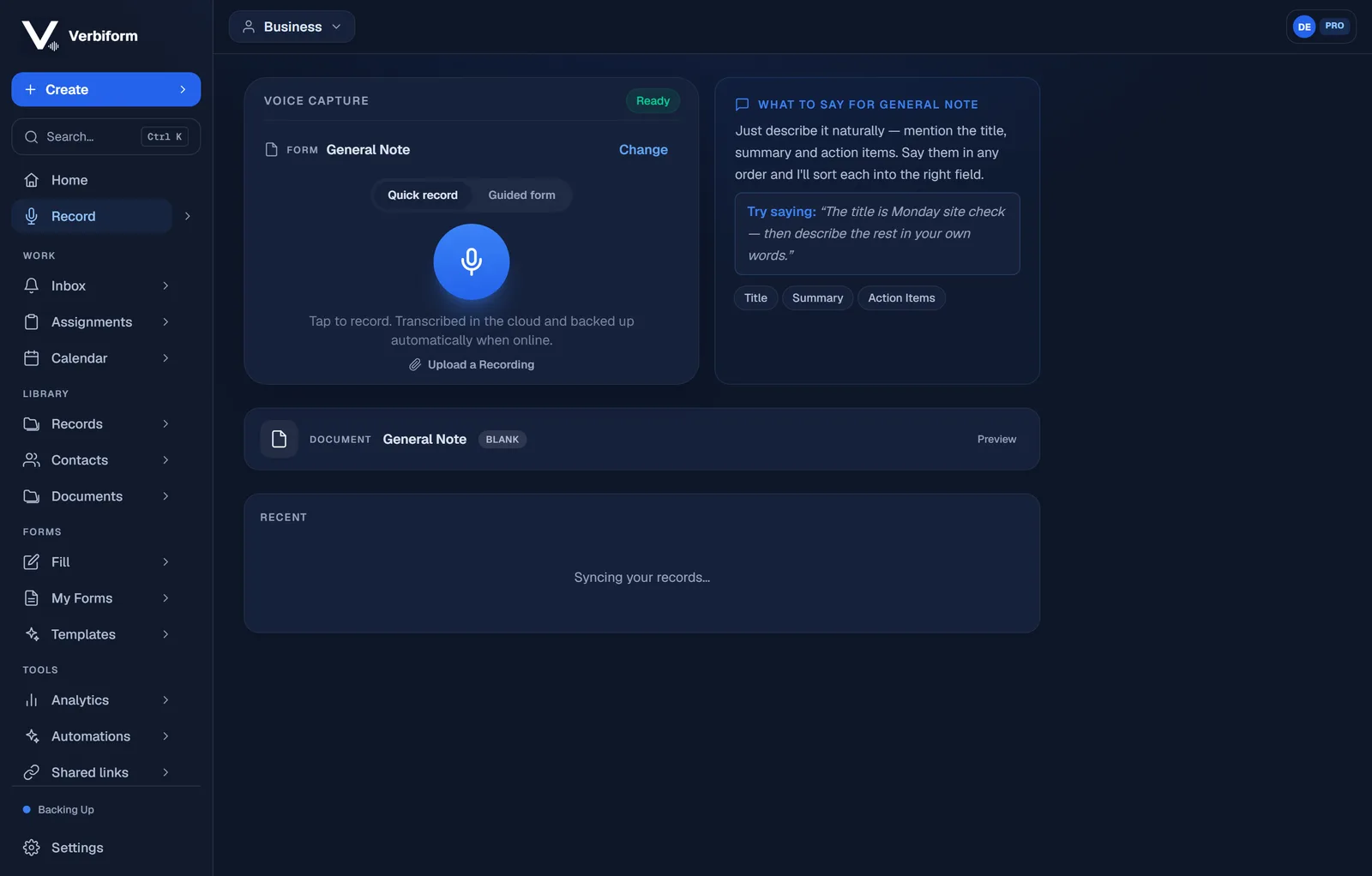
Speak naturally. Say the details in any order — you don’t need to name the fields or read them out like a form. Pause when you need to, and stop when you’re done.
Let Verbiform fill the form
As you talk, it places what you said into the matching fields: names, dates, amounts, and notes. You choose whether a recording is processed in the cloud or on your device.
Review what was filled
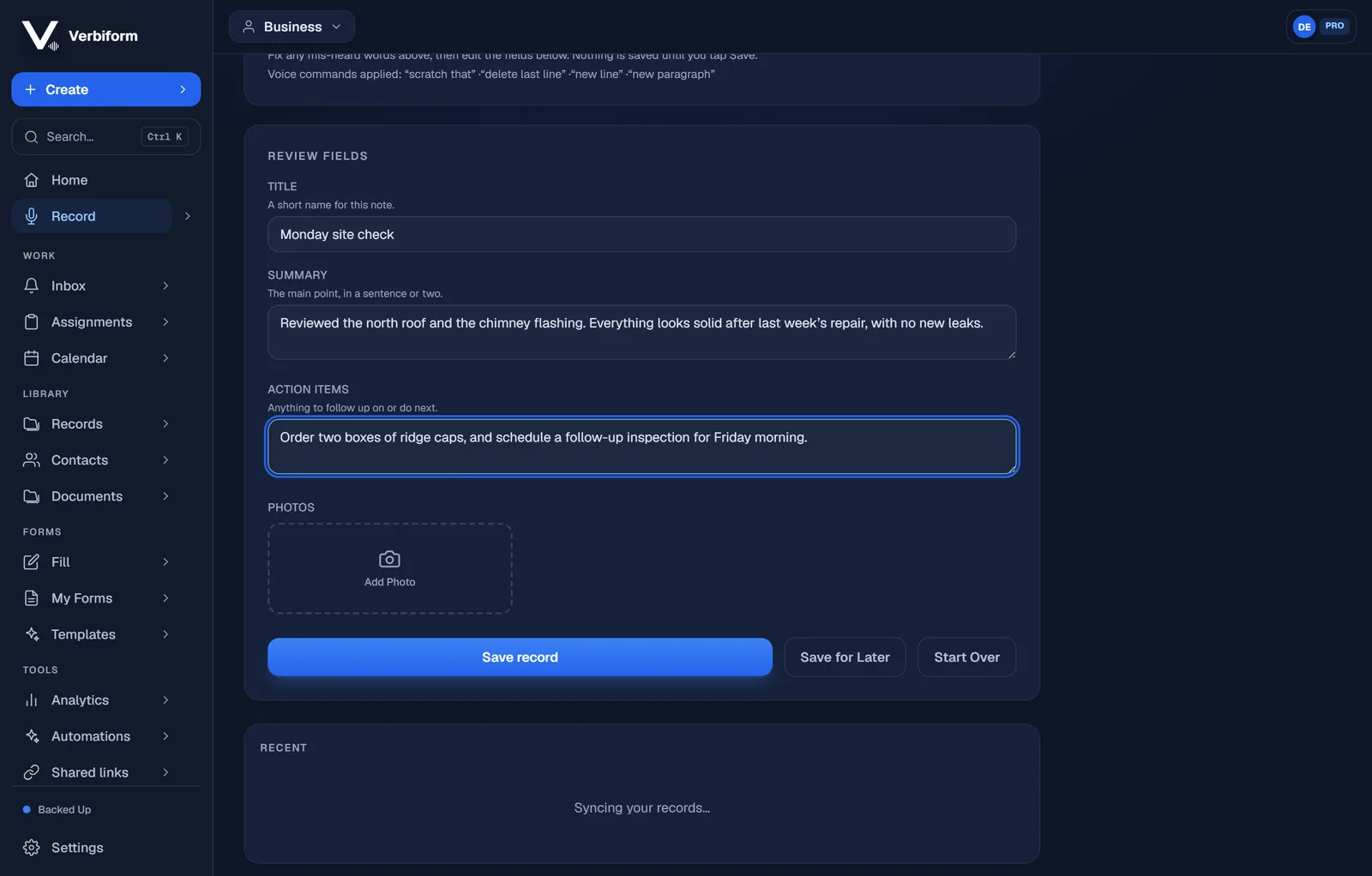
Every field shows the value Verbiform captured from what you said. Fix any mis-heard words in the transcript, edit a field with a tap, and add a photo if it helps. In this flow the record is saved when you tap Save, and your recording is kept the whole time — so a mis-heard word is something you catch here, not later.
Save, share, or sign
Keep the record, send a link, collect a signature, or export a designed document. Whatever comes next, it’s ready to go.