 Verbiform
← All guides
Guide · Go further
Who said what
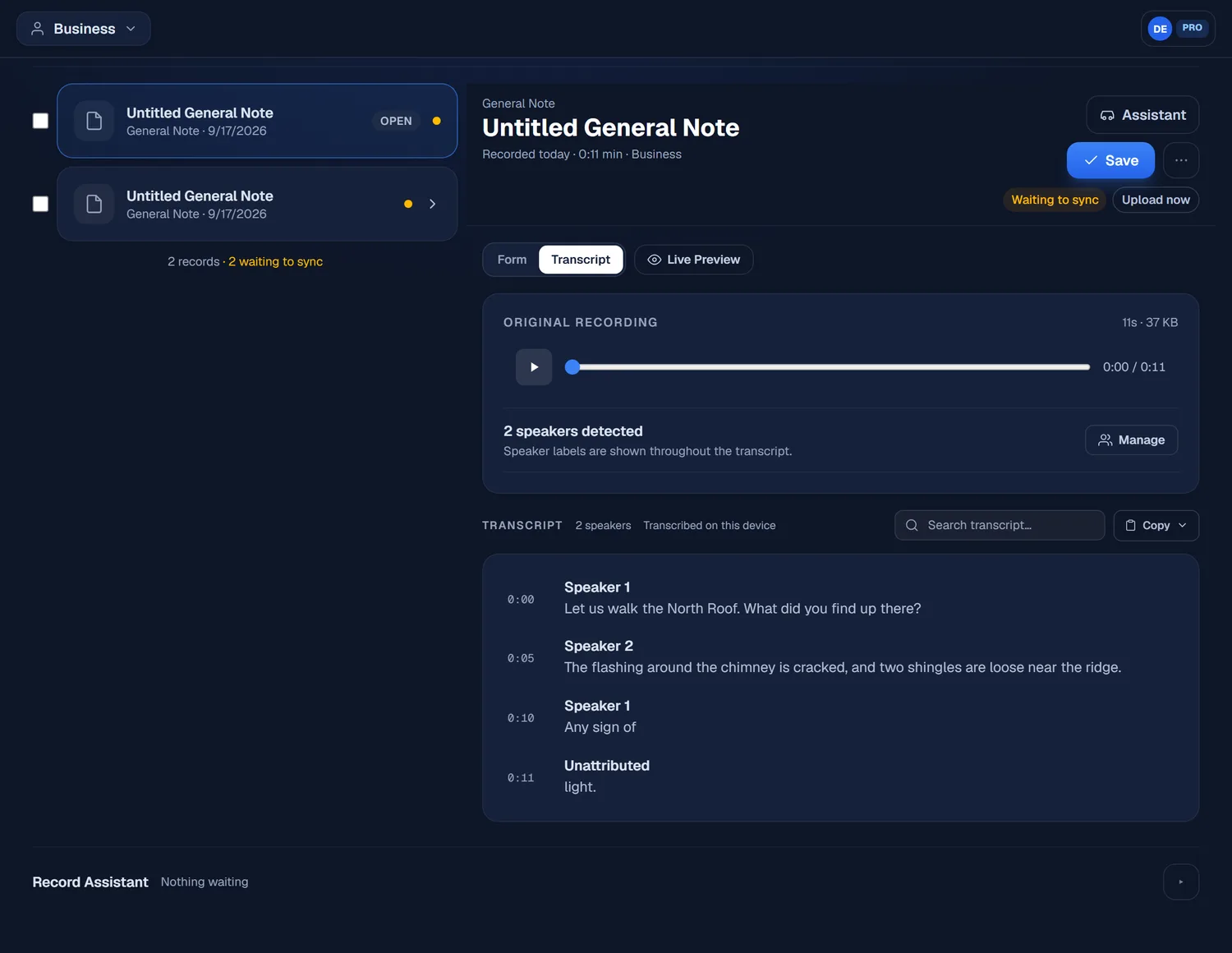
When more than one person is talking — a meeting, an interview, a walkthrough — Verbiform can split the transcript by speaker, so the record shows who said which part.
Record the conversation
Capture as you normally would. The transcript keeps timestamps, so you can already scan it line by line before you do anything else.
Label the speakers
On the record’s transcript, tap Label Speakers. Verbiform separates the transcript into Speaker 1, Speaker 2, and so on — you don’t have to guess where one person stops and the next begins.
Rename them, and keep it
Swap “Speaker 1” for a real name and it applies throughout. The labels save on the record, survive a sync, and travel with the export.
Your choice of where it runs. On-device speaker labeling is free and keeps the audio local;
the cloud option is more accurate and is metered — Verbiform asks before it uploads anything.