 Verbiform
Share, sign & track
A finished record rarely just sits there. Hand it to the right person, collect a signature, and follow it from Open to Done — with every change written to an audit trail you can trust.
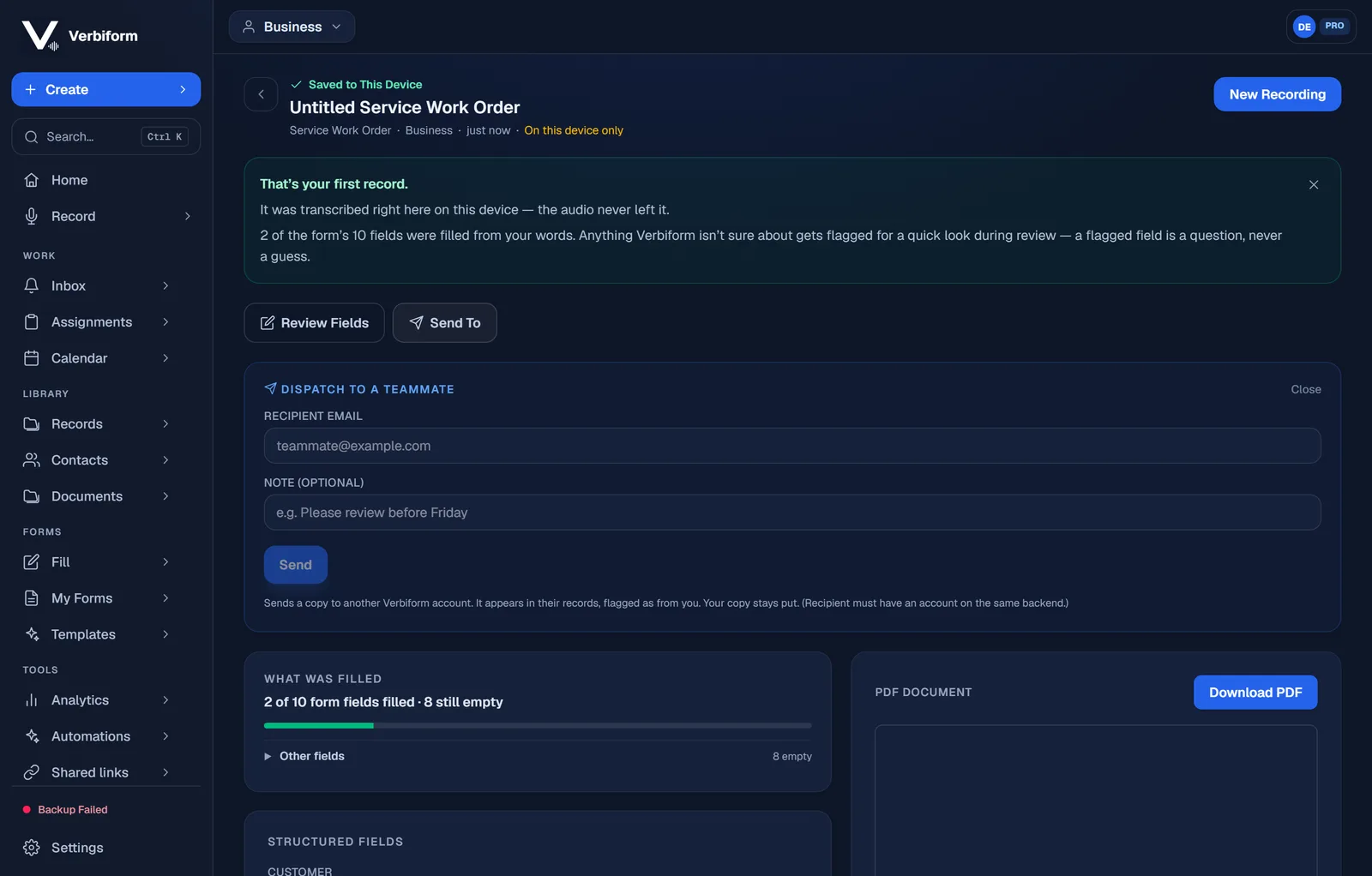
Send it on
Use Send To to dispatch a record straight to a teammate — a copy lands in their records, flagged as from you, with an optional note. (For someone without an account, a public share link lives under Shared links.)
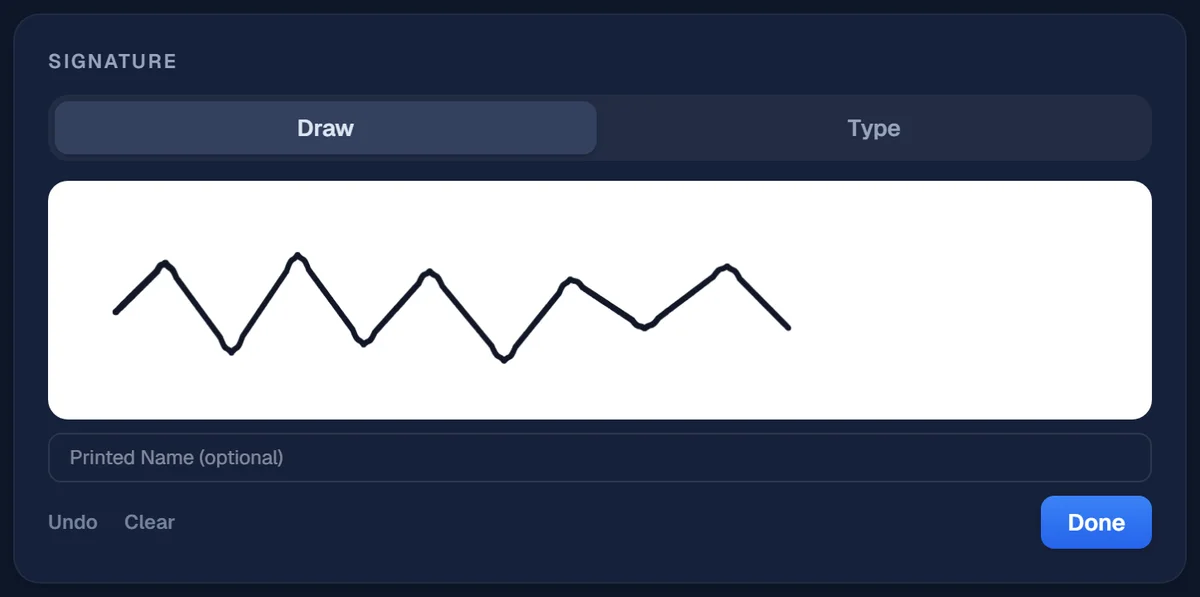
Collect a signature
When something needs sign-off, add a signature right on the record — draw it or type it. It’s captured against that exact document and bound to it, so an approved record can be verified later, not just taken on trust.
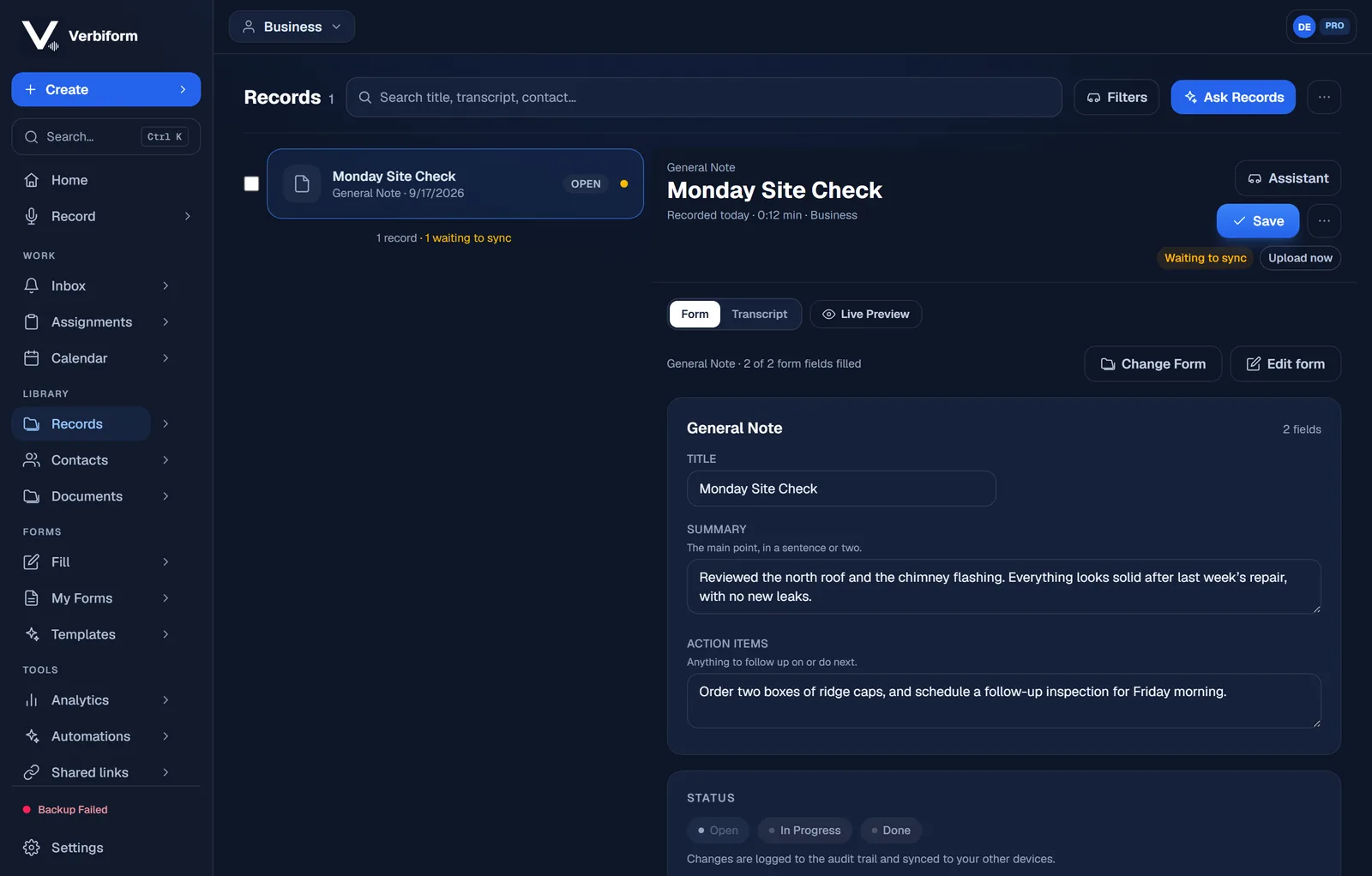
Track it from Open to Done
Every record carries a status — Open, In Progress, Done — and every change is logged to the audit trail and synced to your other devices. You always know where a thing stands.