 Verbiform
← All guides
Guide · Finish & follow through
Work as a team
Verbiform works solo, and it works for a crew. Share a workspace, hand records off with a due date, and keep everyone looking at the same set of jobs.
Share a workspace
A team workspace shares its templates and records with everyone on it — so the forms you standardize on, and the work people capture, live in one place instead of scattered across devices.
Assign work and set due dates
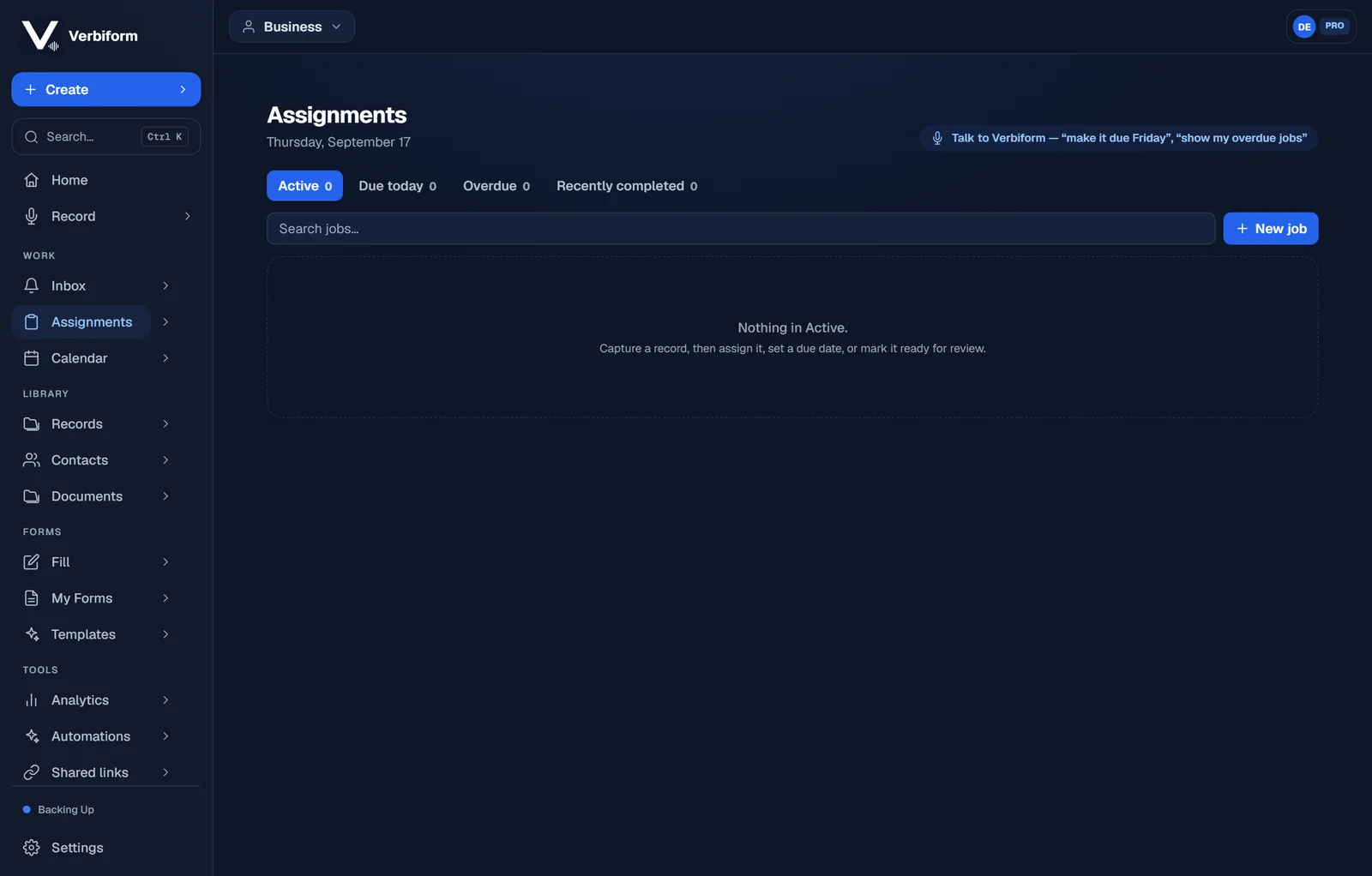
Capture a record, then assign it, set a due date, or mark it ready for review. Assignments gives the crew one list — Active, Due today, Overdue, Recently completed — and you can even say “make it due Friday” out loud.
@mention and hand off
Mention a teammate on a record and it lands in their Inbox, so a hand-off is a message they actually see — not a file they have to go find.
Teams are a workspace feature. Set one up from the workspace’s Members page — see
plans for how team seats work.