 Verbiform
← All guides
Guide · Capture anywhere
Use your own PDF
Already have the form you have to use — a permit, an inspection sheet, an intake form? Import it, and Verbiform lets you complete its real fields by voice, so you keep the exact document without retyping it.
Import a fillable PDF
Go to Fill and import a PDF that has real form fields. Verbiform reads its fields and lists them, numbered and ready to dictate into.
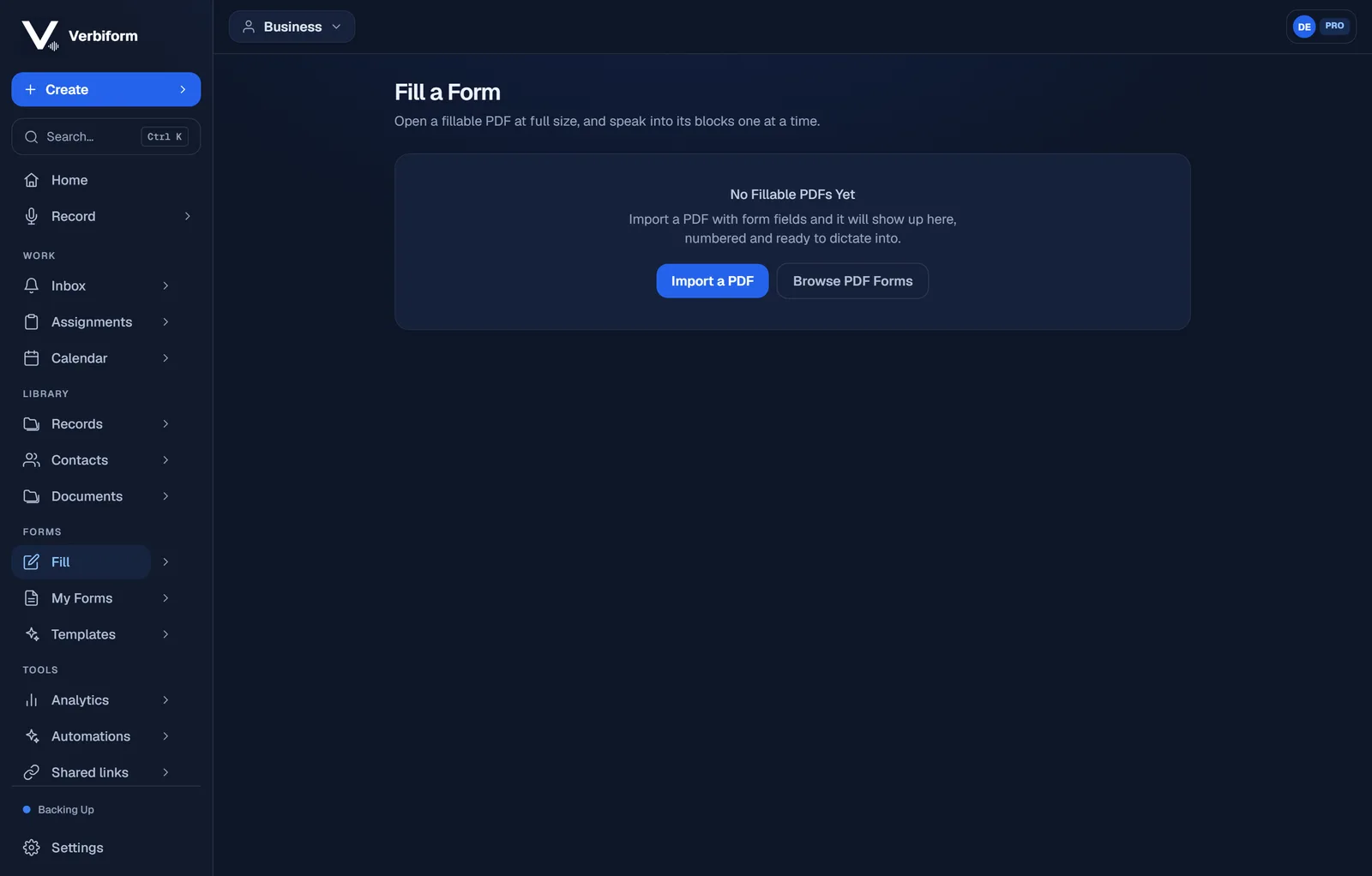
Speak into its blocks, one at a time
The PDF opens at full size with every field numbered. Move through the blocks and say each answer — Verbiform places your words into the real field, in the real spot on the page.
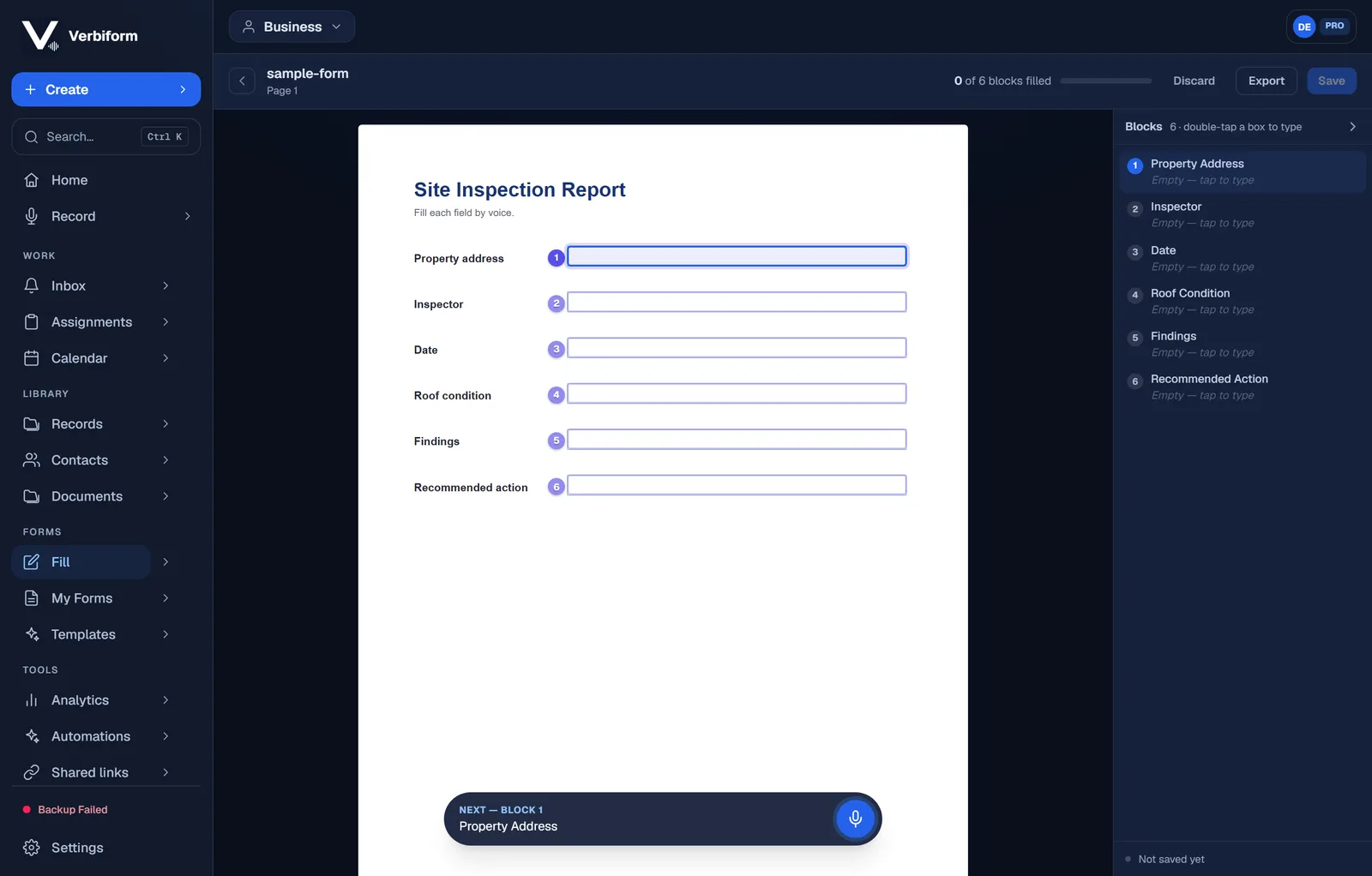
Keep the exact form you already use
The result is your PDF, filled — same layout, same fields, ready to save, print, or send. No rebuilding it as a template unless you want to.
No PDF handy? Browse the ready-made PDF forms, or pick from more than 150
voice-ready templates instead.