 Verbiform
← All guides
Guide · Finish & follow through
Turn it into a document
What you spoke isn’t just a record in an app — it’s already a clean, branded document. Save it and it’s ready to preview, download as a PDF, or hand to someone else.
Every saved record is a document
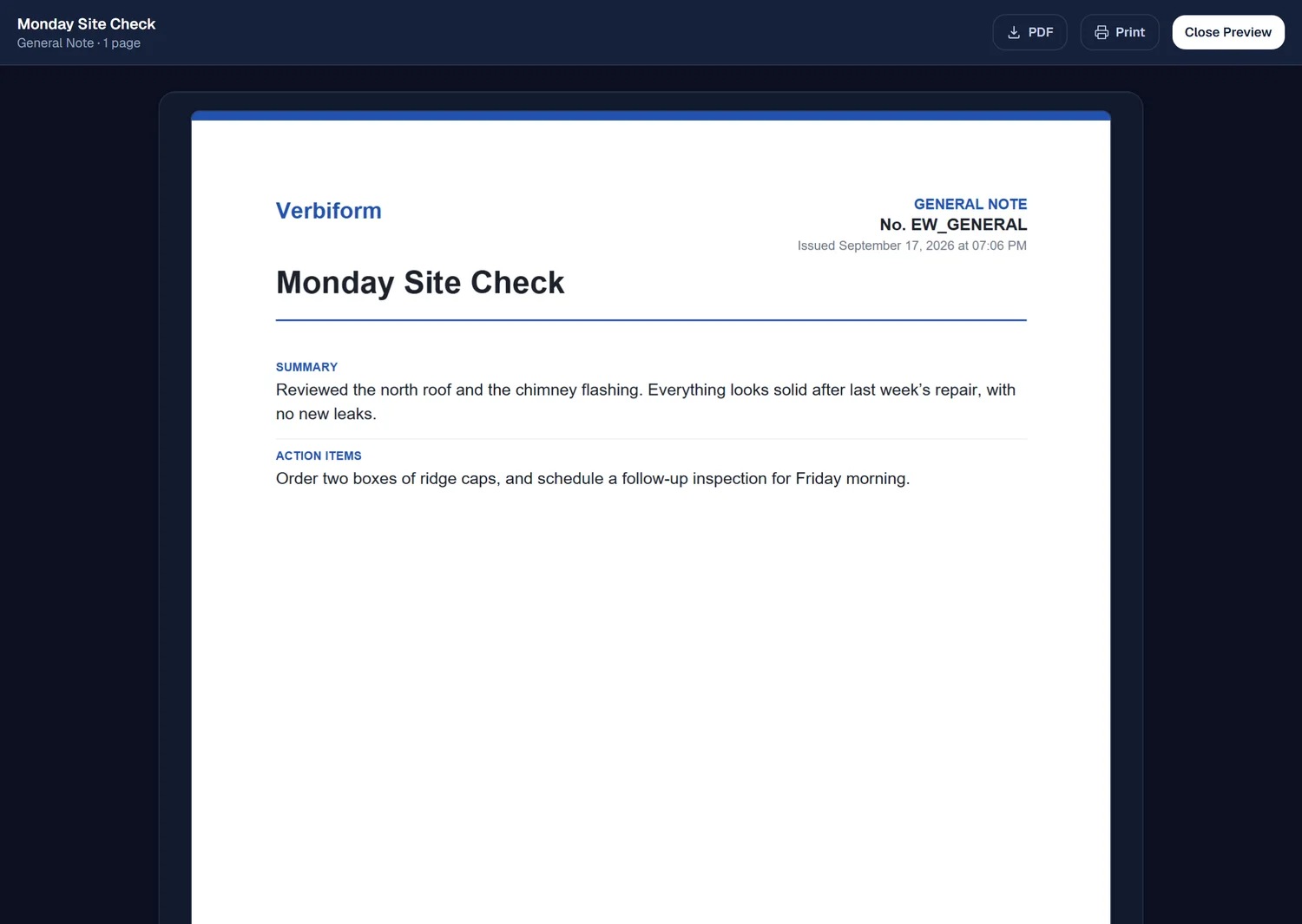
The moment you save, your filled fields become a formatted document — a branded letterhead, a document number, and a date — not a raw form. Open the live preview and there it is, laid out as a finished page.
Download or send the PDF
Download the PDF to keep or print, or send it on — the document carries the same content you reviewed, laid out cleanly.
Preview any of 11 styles
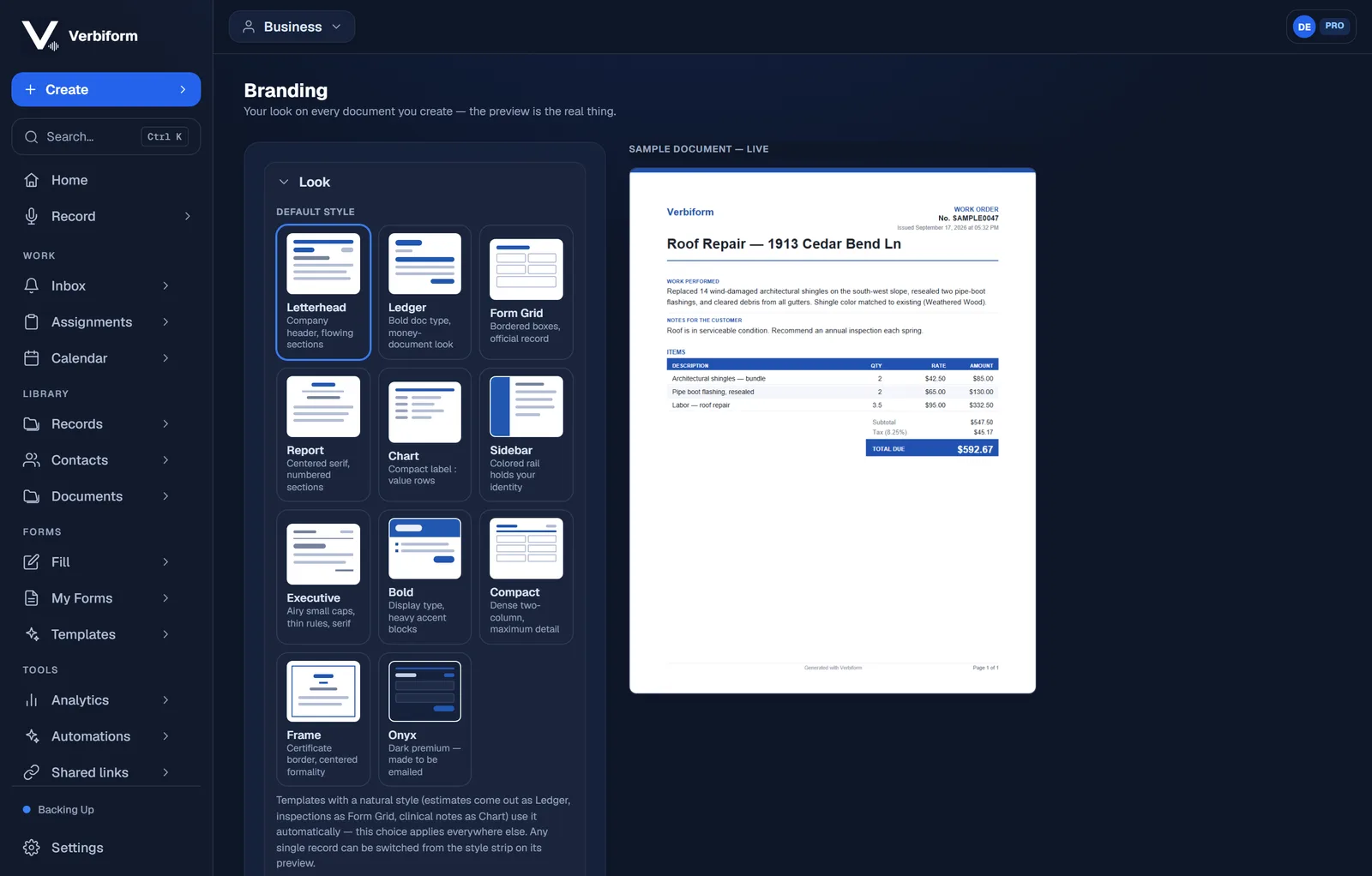
Pick from eleven document styles — Letterhead, Ledger, Form Grid, and more — and the sample updates live. Pro puts your own logo and colors on every document; see the designed output gallery.
The document is built from what you reviewed. Fix a field, and the document updates —
there’s no separate “format” step to redo.