 Verbiform
← All guides
Guide · Go further
Ask your records
Everything you capture is searchable — and answerable. Ask the assistant about your records hands-free, or tell it what to do next, and it confirms before it acts.
Open the Voice Assistant
Tap to start a conversation. It listens, answers out loud, and keeps the back-and-forth going — useful when your hands are busy on a site or in the car.
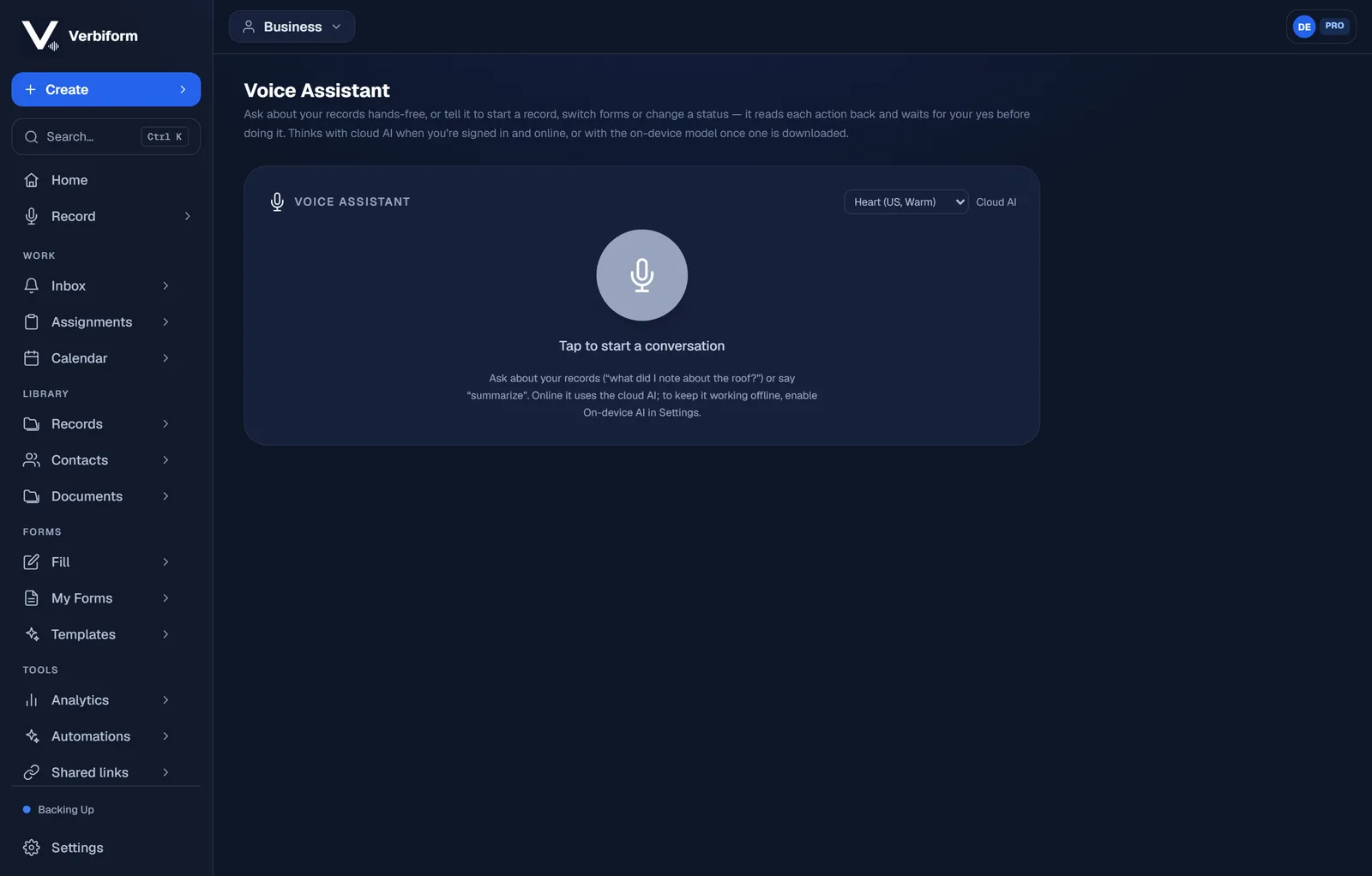
Ask about what you’ve captured
“What did I note about the roof?” “Summarize last week’s inspections.” It searches across your records and answers from what’s actually there — not a guess.
Tell it what to do next
Ask it to start a record, switch forms, or change a status. It reads each action back and waits for your yes before doing it — so nothing happens by accident.
Online or off. Signed in and online, it thinks with the cloud AI; download the on-device
model and it keeps working without a connection.