 Verbiform
Work offline
A basement, a job site, a plane — you shouldn’t have to wait for a signal to capture something. Verbiform records to your device the instant you tap, and catches up on its own once you’re back online.
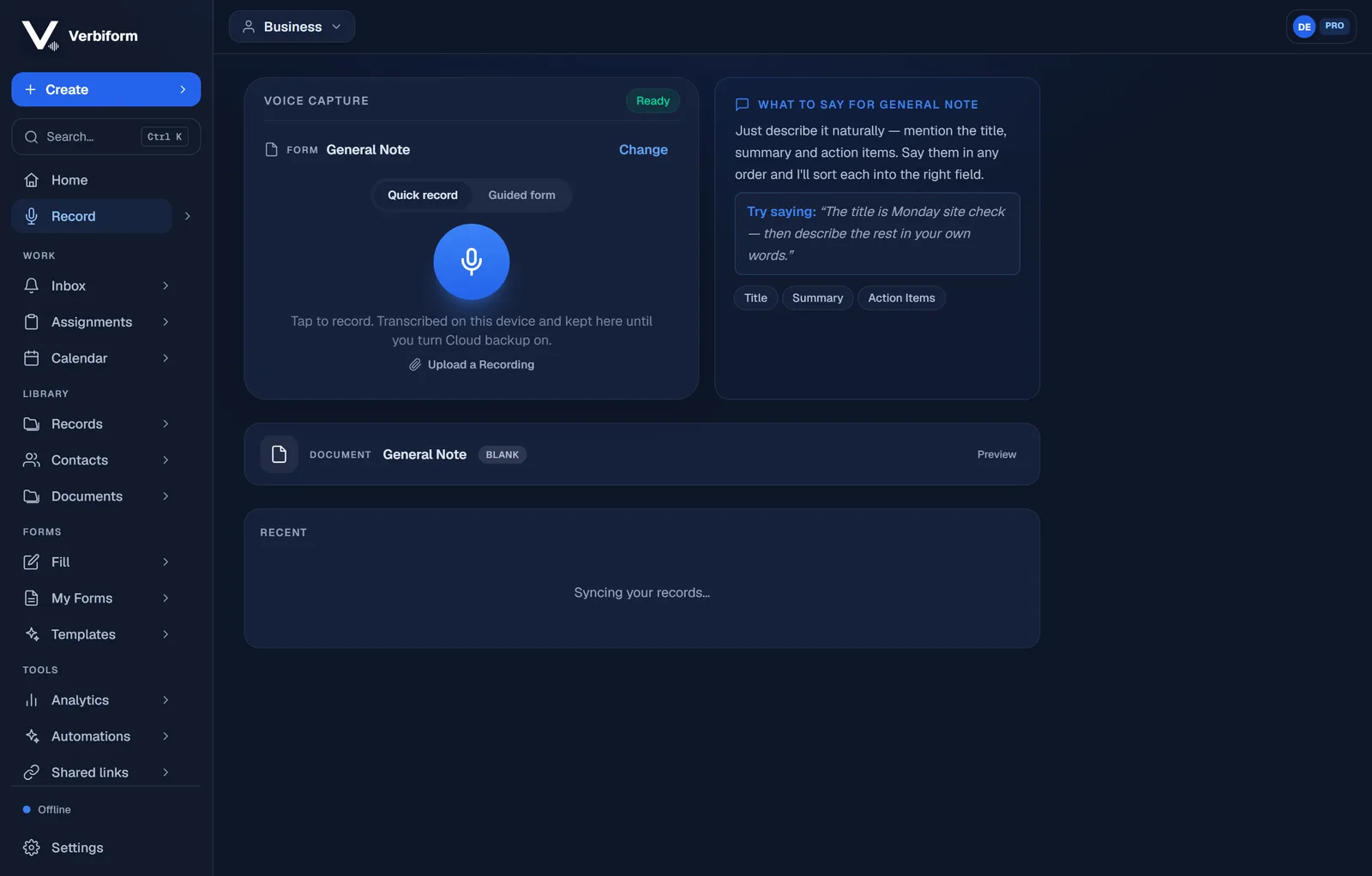
Record with no connection
Offline, the app still opens and the mic still works. Tap record and talk — the audio is written to your device immediately, so it is safe the moment you speak, signal or not.
It catches up when you’re back
The moment you’re online again, recordings back up to your account — when you’re signed in with backup on — and, if you use the cloud, transcribe. You don’t have to remember to do anything; the sync just happens.
Nothing is lost in between
Until it syncs, your work is held on the device and crash-protected. Close the tab, lose power, walk out of range — the recording is still there when you come back.